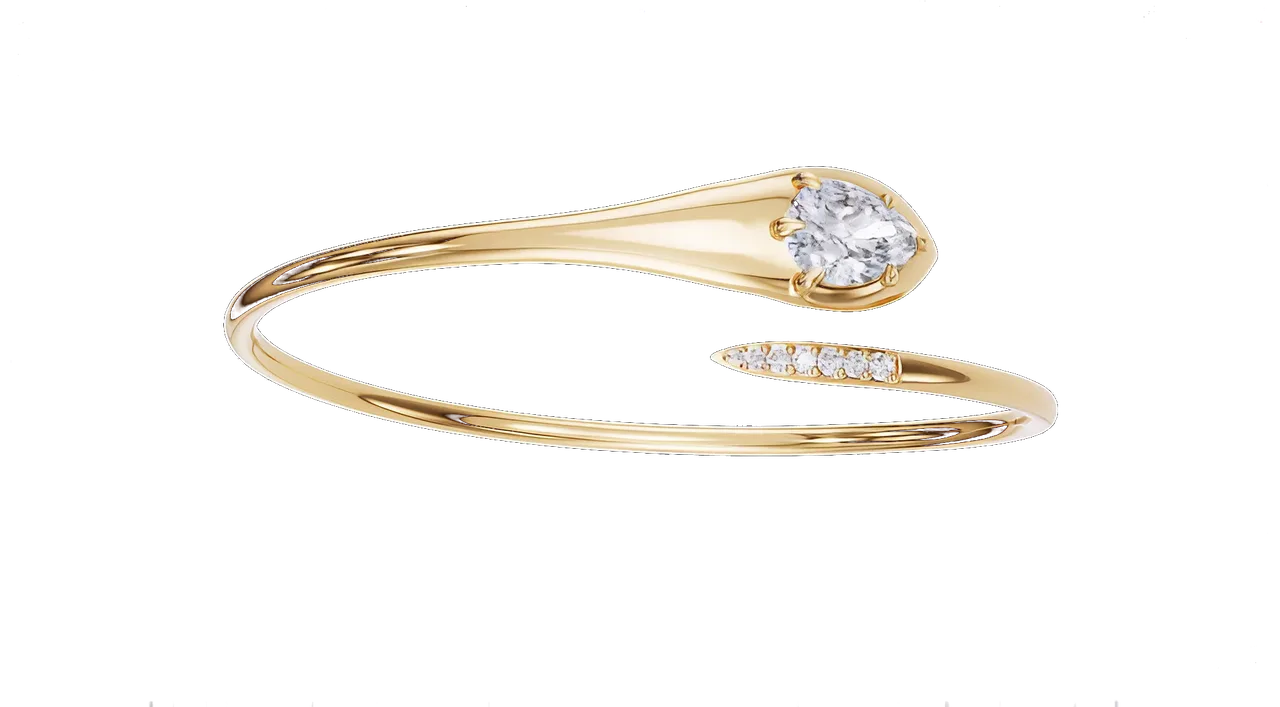
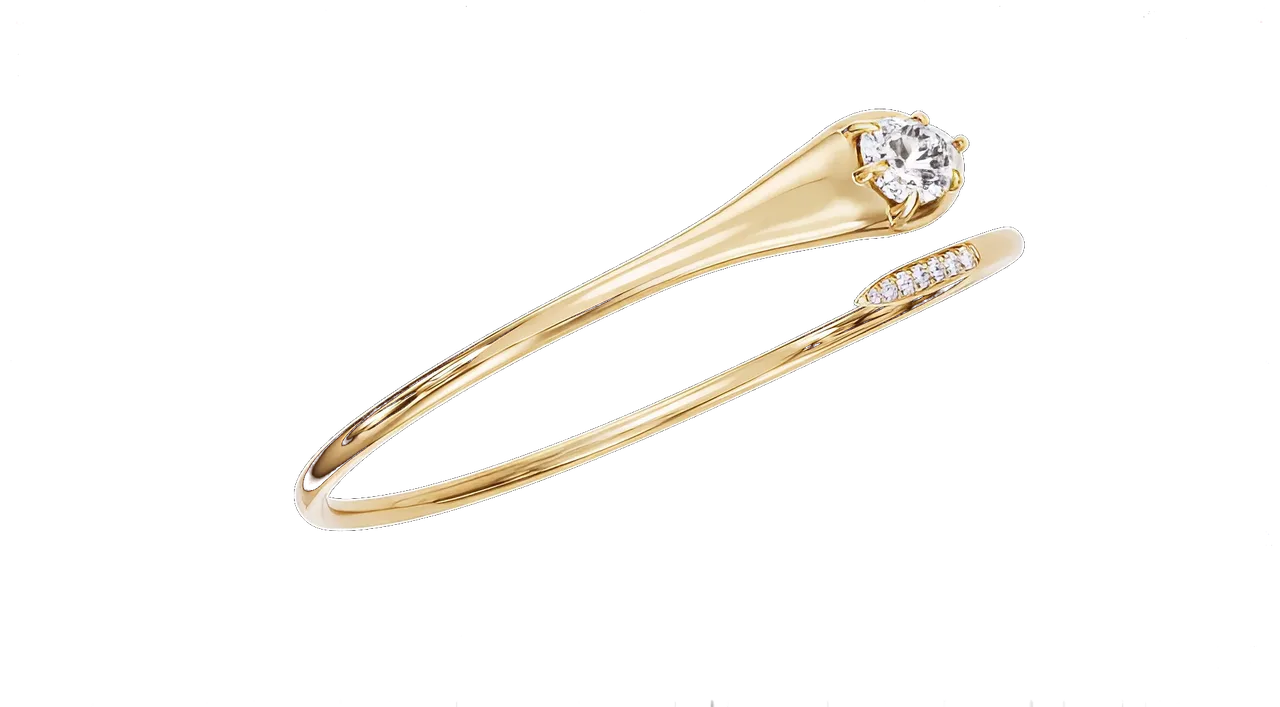
Skim mode: headings, the first paragraph of each section, and the figures. Switch back to Read for the lists, the quotes and the detail.
We have opened hundreds of files from jewellers, and the fast ones share the same handful of habits. None of them take more than ten minutes on your side.
Send the native file, not an export
If the piece was drawn in Rhino or MatrixGold, send the 3DM. If it came from another package, a STEP is the next best thing. An OBJ or STL is a last resort.
The reason is what each format keeps. A 3DM or STEP holds NURBS surfaces: true mathematical curvature that stays smooth however close the camera gets. A mesh is already an approximation, a shell of flat triangles. A shank exported as STL at a coarse tolerance shows those triangles as tiny steps in the highlight, and we cannot put the curvature back.
The native file also tends to keep stones as separate, named objects. In a mesh they are welded into one lump with the metal, and we have to cut them out by hand before we can replace them with true-cut stone models.
Real-world scale, in millimetres
A ring that arrives at ten times its size renders with the wrong depth of field, the wrong reflections and the wrong relationship between the stone and the metal. Check the unit in the file before you send it, and tell us what it is. If a one-carat round in your file measures about 6.4 mm across, you are fine.
Stones as separate objects, with a schedule
For every stone or group of stones we need four things: the shape, the size in millimetres (carats are fine for centre stones), the count, and the target colour. A short list is enough.
Example stone schedule
Centre: pear, 8 × 5 mm, 1, G VS. Shoulders: round, 1.1 mm, 32, G VS, bead-set. Bezel accent: round, 2 mm, 2, F VVS.
Whether the stones are natural or lab-grown makes no difference to how they render. Colour grade does: a D stone and a K stone are visibly different once the light passes through them.
Metal and finish, in words
“18k yellow, high polish” is enough for most pieces. Where it gets interesting, say so: 14k rose, brushed on the shank, polished on the head; rhodium on the white gold gallery; sandblast inside the bezel.
Every house’s yellow gold is slightly different, and the difference shows next to a photograph. We keep a calibrated 18k yellow, but the best thing you can send is one photograph of a finished piece in your alloy under plain daylight. We match to that.
Name the layers
Head, shank, prongs, stones, accents. In Rhino this takes two minutes. On a two-tone piece it saves an hour of guessing which surface is which metal, and it removes the one round of “the bezel should be white, not yellow” that almost every two-tone file goes through.
Fig. 2 — A solitaire as we read it: shank, gallery, four prongs and the stone, each on its own layer with its own material. Switch to the pendant or the hoop and the same logic holds.
Close the gaps
Naked edges, overlapping surfaces, a prong that floats a twentieth of a millimetre off the stone. All invisible in a CAD viewport, all visible in a render at 8K as a thin dark line or a strange highlight. Run your package’s check for naked edges before exporting. If something cannot be fixed, tell us and we will handle it on our side.
What we do not need
Four things that arrive often and help never:
- Your previous renders. Useful as a mood reference, useless as source material.
- Textures, materials or lighting set up inside the CAD package. We rebuild all of it.
- Decimated, low-polygon or “web” versions of the file. Send the heavy one.
- Screenshots of the viewport in place of the file.
Tell us where the image will live
A product page wants a clean pearl or white background, a square crop and a turntable. A campaign wants mood and a wider frame. Instagram wants 4:5 and 9:16 versions with room for type. Say which of these you need, send one or two images whose light you like, and name the single angle that matters most to you. That angle becomes the free first frame.
Confidentiality
A non-disclosure agreement is signed before any file moves. Files live on a private, access-controlled drive and are deleted on request. No piece appears in our portfolio, this journal or anywhere else without written permission from the house.
The ten-point check
Everything above, as a list you can work through against the file that is open on your screen right now.
What happens in the first 48 hours
We open the file and check scale and gaps. We replace every stone with a true-cut model of the right shape and size. We assign calibrated metals to the named layers, light the piece on the house rig, and send you one hero still at the angle you asked for. That first frame is free. If you like it, we talk about the rest of the collection.
What to do next
- Run the ten-point check on your next file. It takes ten minutes.
- Send it with the stone schedule and the one angle that matters most.
- Expect a lit hero still within 48 hours. That first frame is free.