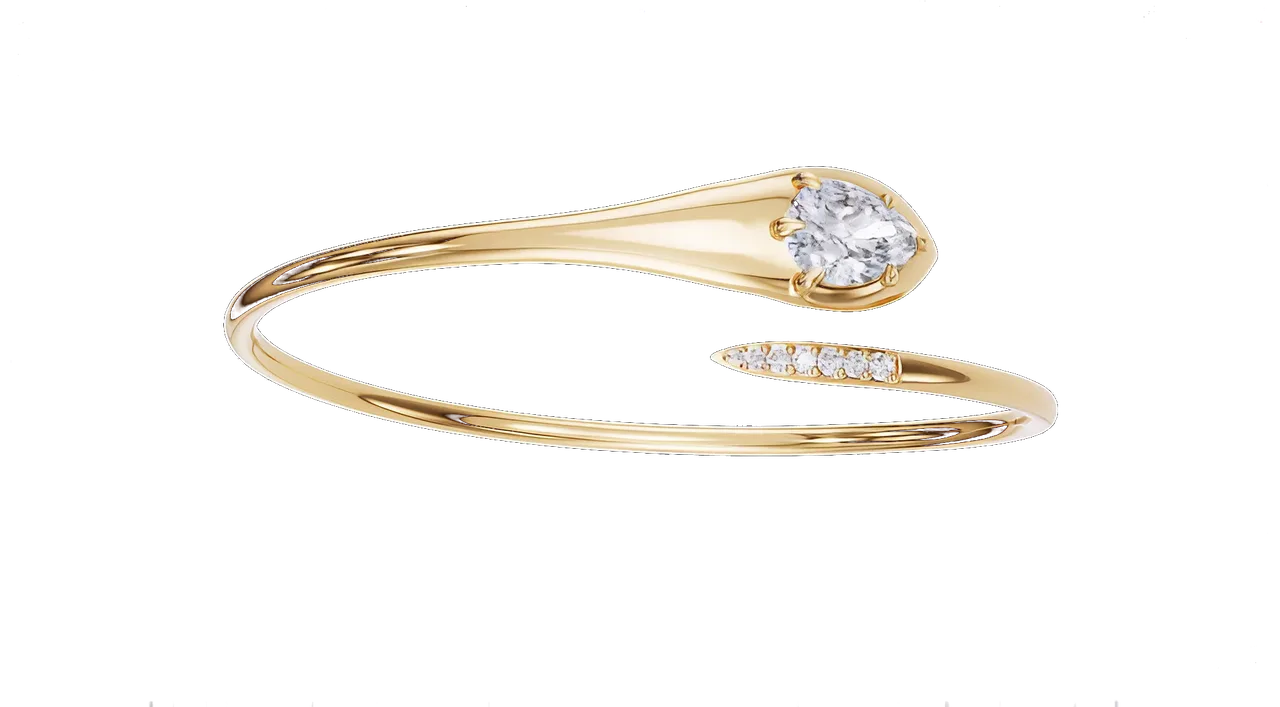
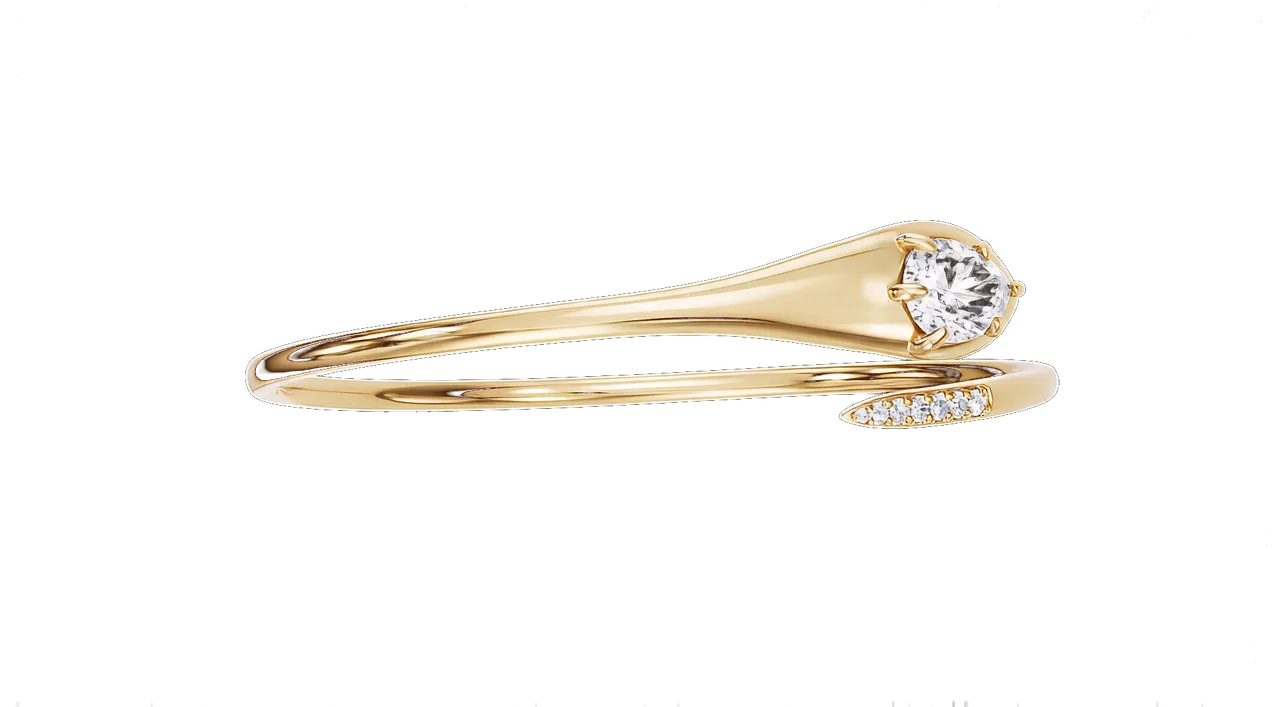
Skim mode: headings, the first paragraph of each section, and the figures. Switch back to Read for the lists, the quotes and the detail.
A gold shank is forgiving. A diamond is not. It is a small, hard test of whether a renderer understands light, and most of the images that come to us for rescue fail it in the same five ways.
What a diamond actually does to light
Three numbers explain almost everything, and the cut is designed around them.
The first is the refractive index, 2.42 for diamond against about 1.5 for window glass. Light entering the stone bends hard, and any ray that meets an inner facet at more than roughly 24 degrees from the perpendicular cannot get out: it reflects back inside. That is total internal reflection, and the round brilliant is built on it. A ray entering the crown bounces off one pavilion facet, then the other, and returns through the crown to the eye.
The second number is dispersion, 0.044. The refractive index is slightly different for each wavelength, so white light fans out into colours on its way through. That is the “fire”, the coloured flashes. The third is the cut itself: 57 facets, a table around 55 percent of the diameter, a crown angle near 34.5 degrees and a pavilion angle a little over 41. Cut the pavilion a few degrees too shallow and light leaks out of the bottom. Cut it too deep and the light returns straight into the viewer’s own shadow. Either way the stone goes dark in the middle. Try it below.
Fig. 1 — A real ray tracer, simplified to one plane. Light enters through the table, reflects wherever it meets a facet beyond the critical angle of 24.4°, and refracts out where it does not. The shaded wedge is the viewer’s own shadow: light cannot come from there, and only light that returns inside it is seen. Solid rays reach the eye, dashed ones do not. Move the pavilion a few degrees and watch the score.
The five tells, and the fix for each
Every fake-looking stone we are sent has at least one of these. Most have three.
1. Grey, glassy stones
The renderer’s default glass, with the refractive index left at 1.5 and dispersion switched off. Light passes through instead of bouncing back, and the stone reads as a lump of quartz. The fix: index 2.42, dispersion on, and a renderer that traces light spectrally rather than as a single white ray.
2. A white blob in the table
One enormous soft box hanging over the piece, reflected in the flat table facet as a featureless white rectangle. It flattens the metal too. The fix: break the light up. Several smaller panels with black cards between them, so the table reflects dark as well as bright. It is the dark reflections that make the bright ones read as sparkle. Photographers of diamonds have known this for a century: black is what makes a diamond shine.
3. No fire, or rainbows everywhere
Either dispersion is off, or it has been turned up until the stone looks like a prism. Real fire is a few coloured flashes, mostly at the edges of facets, and it changes with the smallest movement. The fix: physically correct dispersion at real-world scale, then restraint. If a stone shows colour across half its face in a still, it is wrong.
4. Every stone identical
A pavé row where all thirty-two stones are exact copies, pointing exactly the same way, so they flash in unison like a row of LEDs. A setter never achieves that, and the eye knows. The fix: rotate each stone a few degrees around its own axis, tilt each by a fraction of a degree, and allow a hair of size variance along the row. Precisely the imperfection a hand introduces.
5. Wrong geometry
A generic “gem” primitive with twenty-four facets standing in for a round brilliant, or a cushion built as a rounded square. The proportions are wrong, so the light return is wrong, so the stone is wrong. The fix: a true-cut model for every shape. Round brilliants with the real facet arrangement, cushions with the right number of rows, emerald cuts with proper step facets and the corner cuts. We keep a library and rebuild anything that is not in it.
Fig. 2 — The facet plan a renderer needs. Eight bezel and eight star facets on the crown, sixteen upper and sixteen lower girdle facets, eight pavilion mains. A generic gem primitive has none of this, and the light shows it.
The lighting rig is most of the answer
Stone optics are half the job. The rig is the other half, and it is where a studio that also lights metal earns its fee.
Our house setup for a hero still looks roughly like this:
- A large, soft panel above and slightly behind the piece. This is for the metal: it gives the gold its long smooth gradient.
- Two or three small, hard lights at thirty to forty-five degrees. These are for the stones: small sources make small, sharp facet flashes.
- Black flags between the panels, so every facet has something dark to reflect as well as something bright.
- A camera at a long macro focal length, so the piece is not distorted and the background falls away cleanly.
Move one of the hard lights ten centimetres and a different set of facets lights up. That is why the same rig, rendered as a turntable, produces the scintillation that a still can only hint at.
Black is what makes a diamond shine. Give every facet something dark to reflect.Studio rule number one
Colour management: a D stone is not white, and gold is not orange
Both are common mistakes, and both come from the same place: rendering in a display colour space instead of a linear, wide-gamut one, then guessing at the conversion.
We render in linear light, grade in a wide gamut, and only convert to sRGB at the very end. White balance is locked to the house’s reference photograph so the gold in our frame is the gold in their case.
| Stone | Refractive index | Dispersion | What it means on screen |
|---|---|---|---|
| Diamond | 2.42 | 0.044 | Strong light return, moderate fire |
| Moissanite | 2.65 to 2.69 | 0.104 | More fire than diamond: rainbow flashes |
| Cubic zirconia | 2.15 to 2.18 | 0.06 | Slightly softer return, more colour |
| Sapphire and ruby | 1.76 to 1.77 | 0.018 | Body colour dominates, little fire |
| Emerald | 1.57 to 1.58 | 0.014 | Glassy depth, colour over sparkle |
| Window glass | about 1.5 | about 0.01 | What most default materials give you |
The table is why a diamond material cannot be reused for a sapphire with the colour changed. Each stone needs its own index and dispersion, or it renders as coloured glass.
How to judge a render in ten seconds
Five places to look, in order. A good render passes all five.
- Look at the table. There should be a dark reflection in it somewhere. All-white means one big light and no contrast.
- Look at the pavé. Neighbouring stones should catch different light. Identical flashes mean copied stones.
- Look at the girdle. A thin bright line should run around the stone where the crown meets the pavilion.
- Look for fire. A few coloured flashes at facet edges. None, or a rainbow, and the dispersion is wrong.
- Look at the gold. It should carry a warm, dark reflection, not an even orange glow. If the metal is wrong, the colour pipeline is wrong, and the stones will be too.
What to do next
- Open your current renders and run the ten-second check at the end of this article.
- Ask your supplier which refractive index and dispersion the stone material uses. If they cannot answer, that is the answer.
- Send us the same CAD file and compare the stones side by side.