-

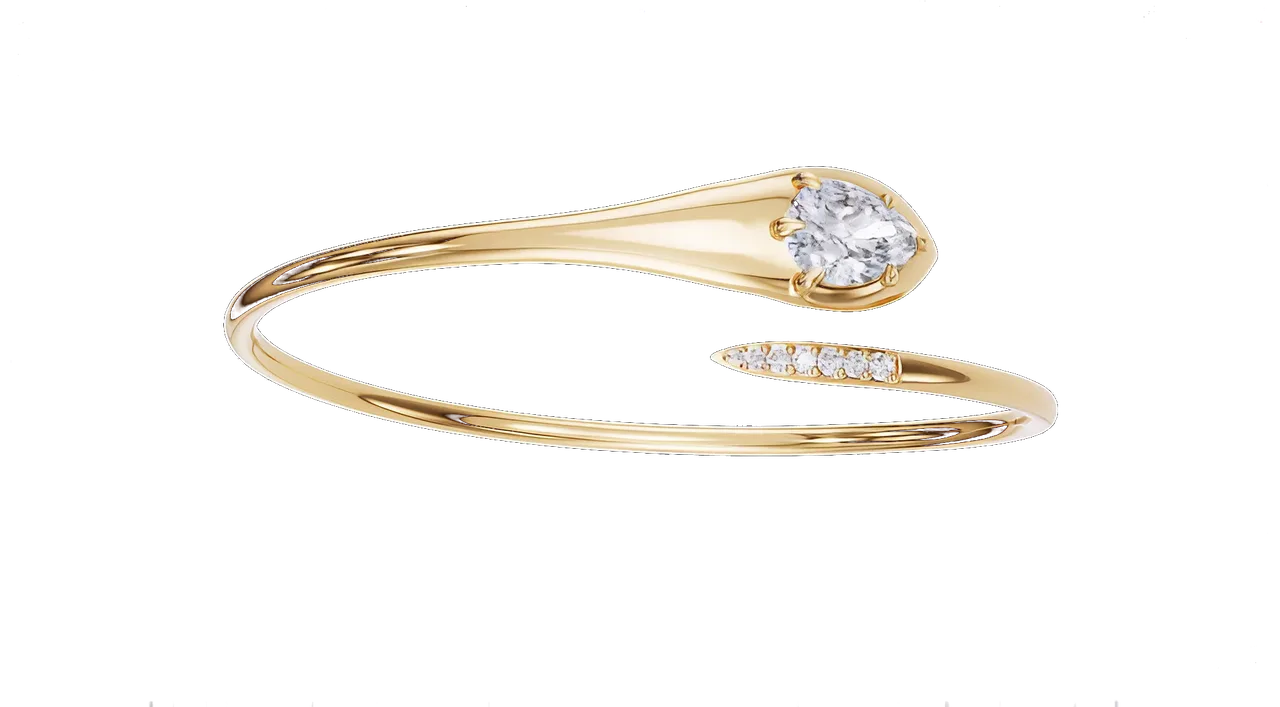 Hover: CAD → frame01Strategy · 12 Sep 2026
Rendering vs photography for fine jewellery: an honest comparison
Where a photograph still wins, where a render wins by a mile, and the hybrid most houses end up with.
- Photograph the piece that exists and is one of a kind. Render everything that does not exist yet, comes in variants, or has to move.
- Photography cost rises in a straight line with pieces and variants. Rendering pays a setup once, then a fraction per frame.
- Most houses end up with both: renders on the product pages, photography for the campaign, calibrated to one reference.
-

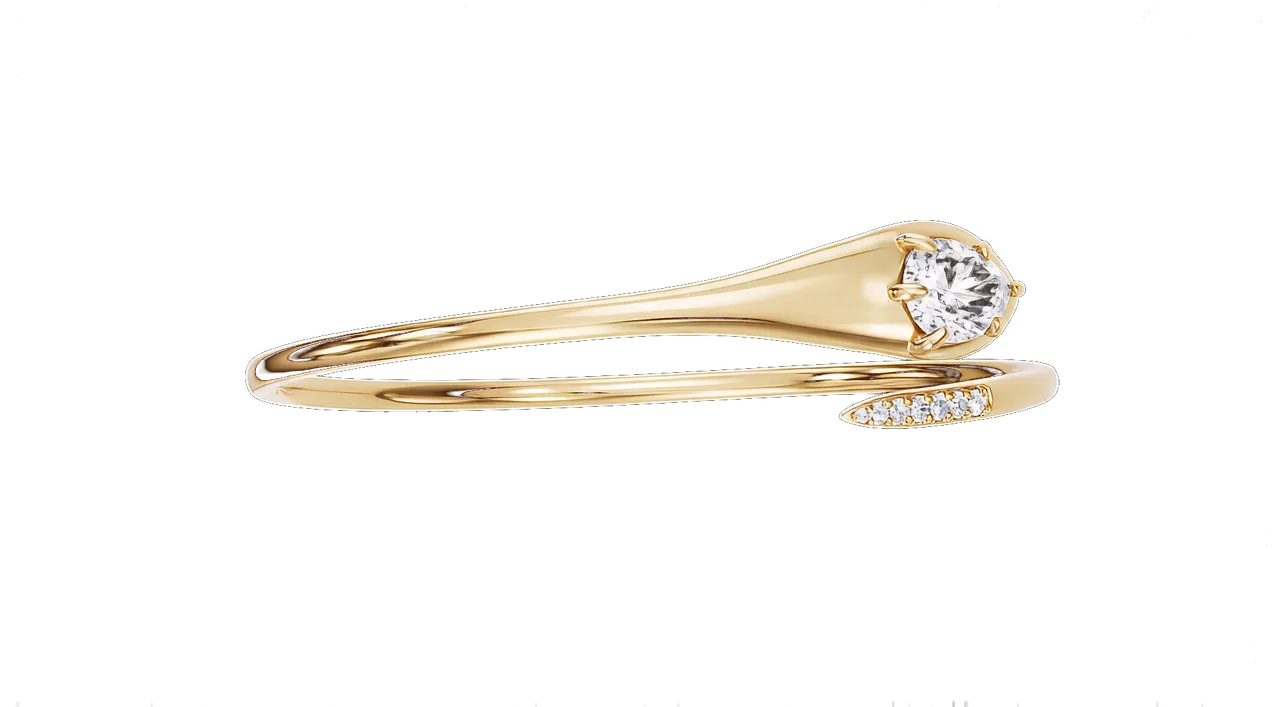 Hover: CAD → frame02Workflow · 18 Sep 2026
How to prepare a jewellery CAD file for rendering
The native file, real-world scale, a stone schedule, named layers and the six other things that make a render fast.
- Send the native 3DM, or a STEP. Meshes lose the curvature and weld the stones into the metal.
- Millimetres, real scale, stones as separate objects, layers named. Those four checks save the most time.
- Add a stone schedule, a finish note and one photograph of your alloy, and say where the image will live.
-

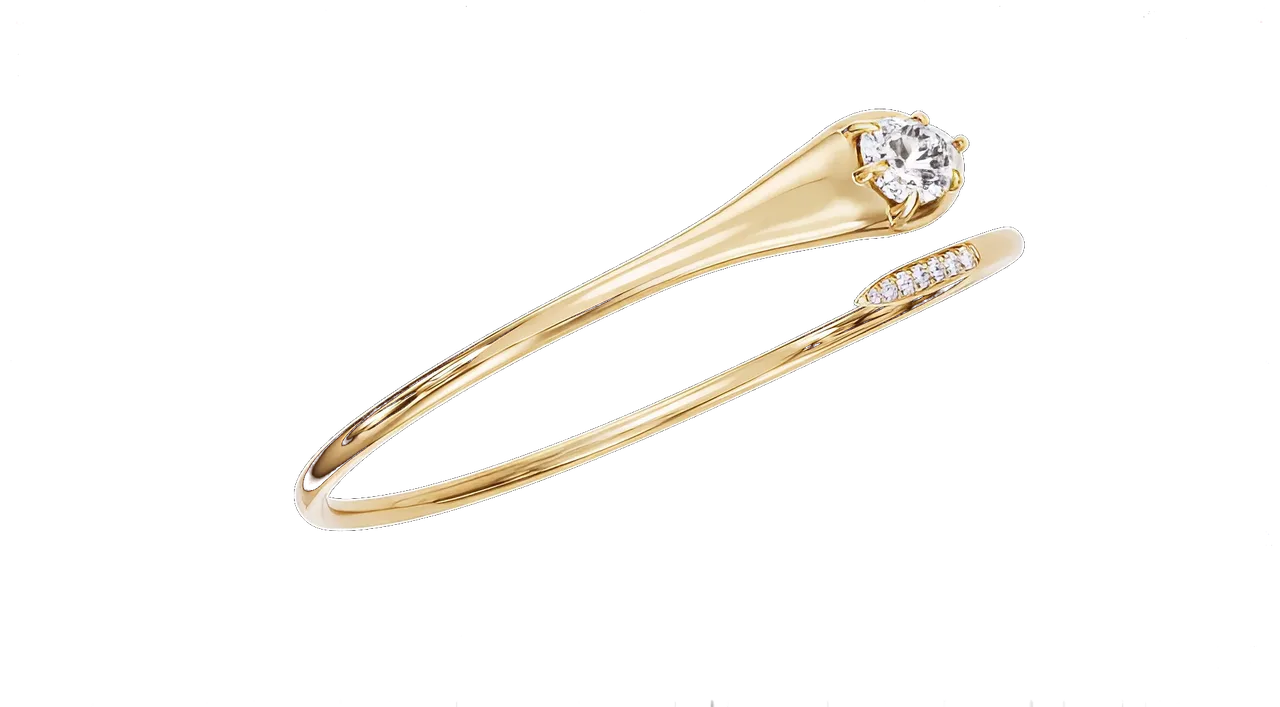 Hover: CAD → frame03Craft · 23 Sep 2026
Why diamonds look fake in renders, and how a studio fixes it
Refraction, dispersion and total internal reflection explained, then the five tells of a fake stone and the fix for each.
- A diamond is three numbers: a refractive index of 2.42, dispersion of 0.044, and a cut that sends light back out through the crown.
- Five tells give a fake stone away: grey glass, a white blob in the table, no fire, identical stones, and wrong facets.
- Contrast makes a diamond sparkle. Several small hard lights and black cards do more than one big soft box.
Who writes this
The two of us, between renders
Everything here comes from files that crossed our desks. When a question comes up three times, it becomes an article.
Suggest a topic
Ask us anything about CAD to frame
Write to Studio@vectorandval.com with the question you keep asking your render supplier.
Free first frame
Test us on your hardest piece
Send one CAD file and we return a lit hero still within 48 hours, at no charge.